Download the app from the official source
Use the manufacturer’s official website or a verified app listing in the App Store or Google Play.



Home > Blog > Article: “Which cryptocurrency wallet should you choose for a Bitcoin ATM?…”
You don’t need a wallet from a specific brand to use a Bitcoin ATM. However, you do need a wallet that supports your chosen cryptocurrency and the correct network. When buying, you show the device the QR code for your address. When selling, you send funds to the address specified in the instructions. This guide explains which type of wallet to choose, how to prepare it, and which mistakes to avoid.
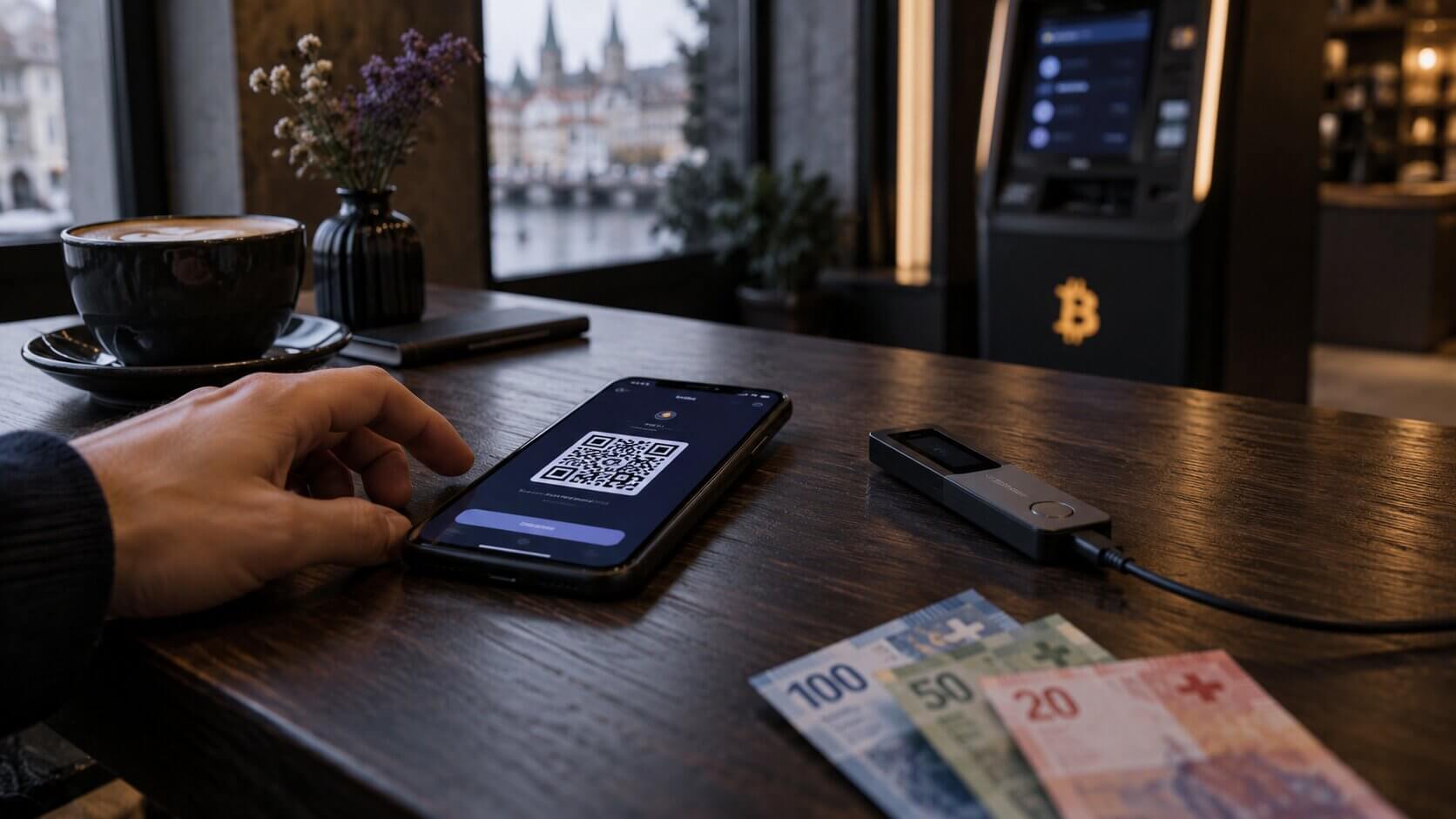
Most transactions at a Bitcoin ATM require a cryptocurrency wallet. When buying, the device needs a public address to which it can send the cryptocurrency. The easiest option is to open the “Receive” function in your wallet and display the address as a QR code.
When selling, the process works in reverse. The user sends cryptocurrency from their wallet to the address provided by the operator, and once the transaction is confirmed, they can collect cash.
It does not have to be a wallet provided by the Bitcoin ATM operator. What matters most is that it supports the selected cryptocurrency and the correct network, and allows you to receive or send funds. Individual operators may use different procedures, so it is worth checking the information for the specific device before your visit.
Current buying and selling instructions are available at How a Bitcoin ATM works.
A wallet does not store coins in the same way that a conventional wallet stores banknotes. Cryptocurrency remains recorded on the blockchain, while the app or device manages keys, addresses, and transaction signing. The wallet generates the addresses needed to receive cryptocurrency and uses private keys to authorize transfers.
There is no single wallet that's right for everyone. The choice depends primarily on whether you prioritize quick access from your phone or storing your keys on a separate device.
This is an app installed on your phone and connected to the internet. It lets you quickly open the “Receive” function, display a QR code, and scan the address required when selling cryptocurrency.
For some users, a mobile wallet will be the most convenient option at a Bitcoin ATM because the phone can be held directly in front of the device’s scanner. Users should, however, secure the phone, the app, and the information needed to recover the wallet.
A hardware wallet stores private keys on a separate device. The receiving address can be viewed in an app that works with the wallet, but sending cryptocurrency must be approved on the hardware device.
Before using the QR code, it's a good idea to compare the full address displayed in the app with the address shown on the hardware wallet's screen.
In some cases, you can provide the deposit address assigned to an exchange account when buying. However, this is not the same as a wallet whose keys you control yourself.
Before using this type of address, check:
It is best to set up your wallet in advance, in a quiet place. Setting up the app directly at an ATM Bitcoin may make it harder to record the information needed to recover your wallet accurately.
Before the transaction, check these five key points.
Before you go, make sure you have everything you need to complete the transaction.
Current locations, access hours, and device status are available on the Bitcoin ATM map of Switzerland.
The order of the prompts may vary depending on the device model and operator.
Selling works in the opposite direction: the user sends cryptocurrency from their wallet and receives cash once the transaction is confirmed. How a sale begins depends on the operator. With some operators, the process starts online, while with others it starts directly at the device. Rothbard offers both options, as described in the current selling instructions.
The detailed process is described in the guide on how to exchange Bitcoin for cash.
The most common mistakes stem from the fact that several codes appear within a single process. Each one serves a different purpose.
During the transaction, use only your own wallet and information you have verified yourself.
Red flag: If someone asks you by phone, email, or messaging app to deposit money into a Bitcoin ATM and sends you their own QR code, stop the transaction.
If the scanner cannot read the code, increase the screen brightness, clean the phone’s camera lens, and try changing the distance from the reader. Do not use a random online QR code generator. The safest option is to use a code generated directly by the wallet. If the device allows you to enter the address manually, compare at least the beginning and end with the address shown in the app before confirming.
Both mobile and hardware wallets can be used with a Bitcoin ATM. In some cases, you can also use the deposit address assigned to an exchange account, but you must first check the network, limits, and deposit-crediting rules.
For someone making their first transaction, a mobile wallet may be a convenient option because it lets them display and scan a QR code quickly. A hardware wallet may suit users who already store cryptocurrency on it and know how to approve a transfer.
Before confirming the transaction, answer these three questions:
If the answer to all three questions is “yes,” the selected wallet should work properly with the device. The wallet brand is not the most important factor. What matters is technical compatibility, the ability to display a receiving address, and—when selling—the ability to approve the transfer yourself.
No. Rothbard does not require you to install its own wallet app. You can use a wallet that supports the selected cryptocurrency and network and allows you to display a receiving address or send funds.
For most standard transactions, yes. When buying, the phone displays the QR code for the receiving address. When selling, it allows you to scan the address and approve the transfer.
Yes. When buying, you can use the address displayed in the app connected to the hardware wallet. When selling, you need access to the device to approve the transaction.
Sometimes, by using a deposit address. Before the transaction, however, you must check the supported network, the minimum deposit amount, and the platform’s deposit-crediting rules.
Use the code from the “Receive” function for the exact cryptocurrency and network selected at the Bitcoin ATM. Do not use a login code, a WalletConnect code, or a code sent by another person.
No. A recovery phrase and private key are not required for buying or selling. When buying, the device needs a public address. When selling, you approve the transaction in your own wallet.
Keep the confirmation and check the TxID or order status. The balance may appear after the operator sends the transaction, the network confirms it, and you refresh the wallet.
Yes. According to the current information on Rothbard.eu, all transactions made at devices in this network require an identity document to be scanned. Check the operator’s website for the latest requirements before your visit.
A separate guide on Rothbard.eu explains in detail how to use Coinbase Wallet / Base app with a Bitcoin ATM.
This article was prepared using current Bitcoin ATM operating instructions and official documentation on wallets, cryptocurrency addresses, and security. Supported cryptocurrencies, networks, device functions, and operator requirements may change. Before making a transaction, check the latest information for the selected device.
Rothbard.eu is developing a platform that aggregates Bitcoin ATM locations in Switzerland, enabling users to find places where they can buy and sell BTC and other cryptocurrencies for cash. Bitcoin ATM kiosks are available in Zurich, Geneva, Basel, Lausanne, Lucerne, Lugano, Mendrisio, and other locations; their current status and cash availability can be checked online on the platform’s map.
This material is for informational purposes only. It does not constitute investment, tax, or legal advice.