Help


Home > Blog > Article: “How to Buy Bitcoin with Cash at a Bitcoin ATM in Switzerland”
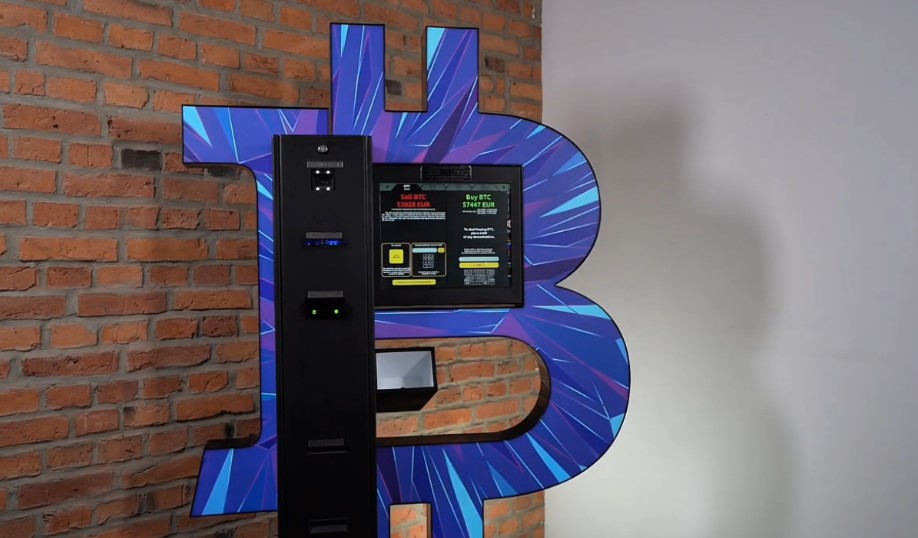
Bitcoin ATM, which is a Bitcoin ATM, allows you to exchange cash for cryptocurrency that is sent to your wallet. This guide shows you how to buy Bitcoin in Switzerland at Bitcoin ATM: from finding a location to receiving confirmation. Before your visit, make sure you have a BTC-compatible wallet, a phone with internet access, cash, and a valid ID. Once at the kiosk, follow the on-screen instructions.
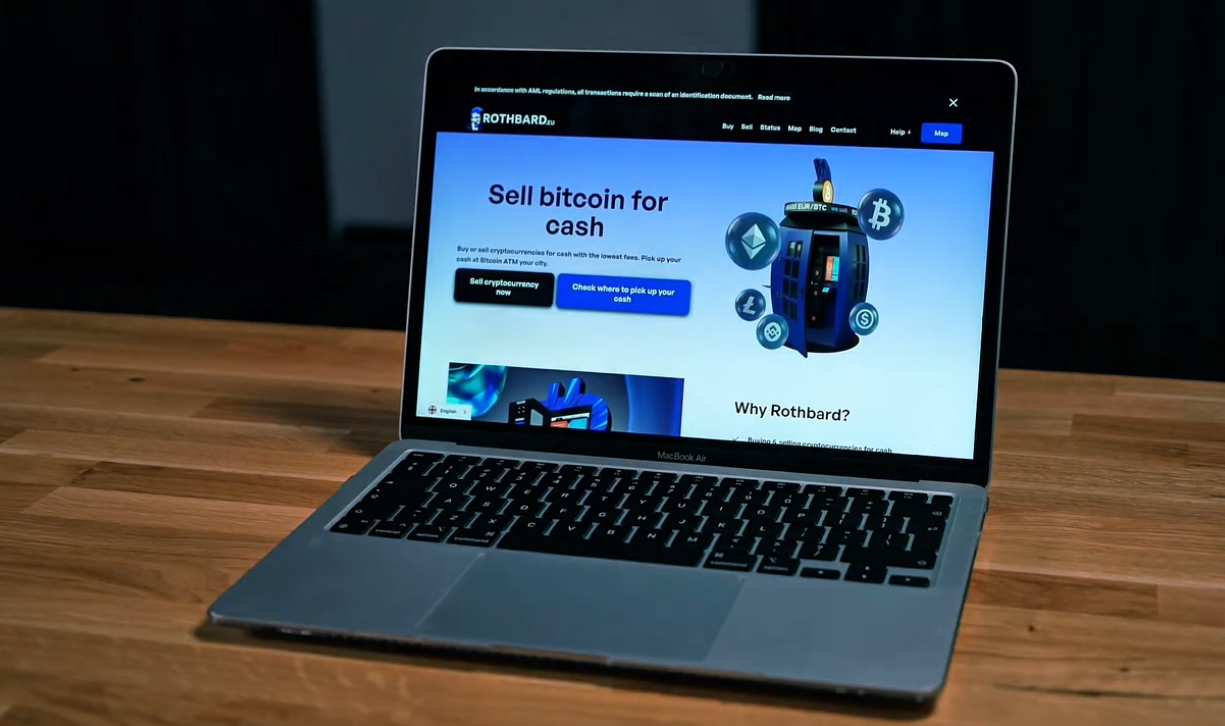
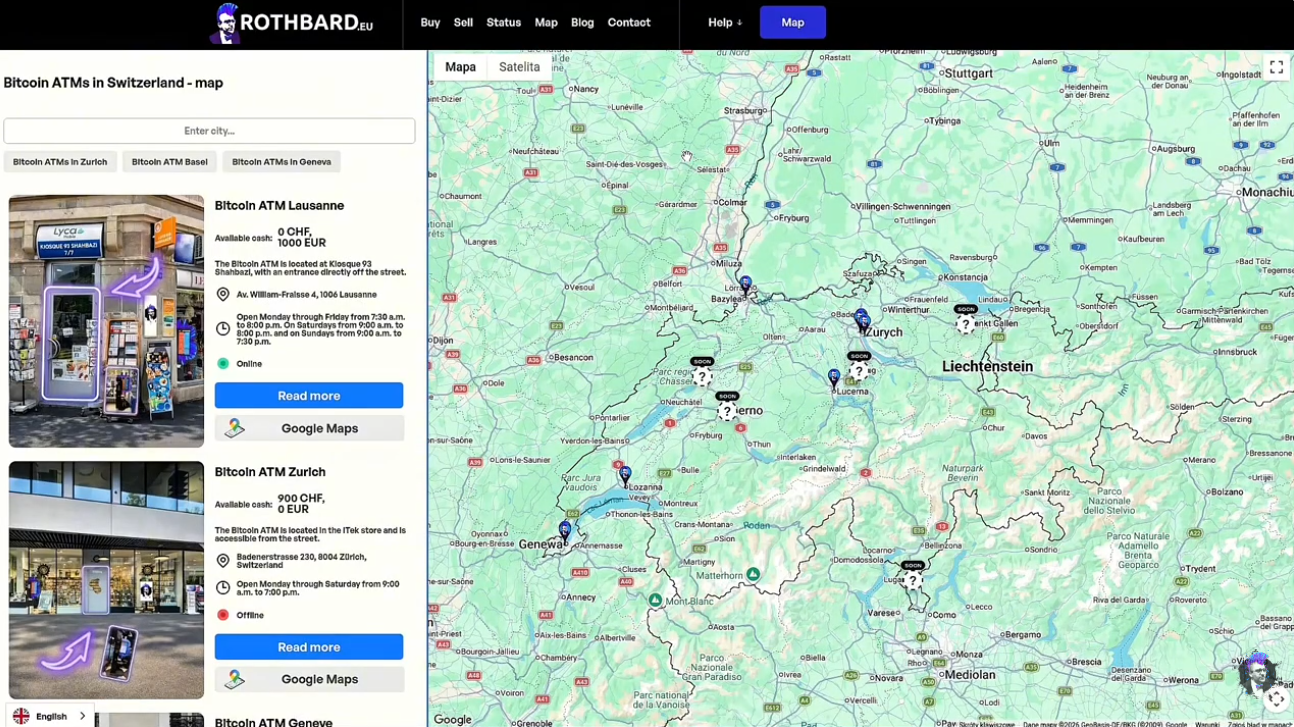
Go to rothbard.eu and select a convenient location. Check the address, hours of operation, and information about access to the machine. Before making a purchase, make sure you know which currency the selected Bitcoin ATM accepts and what the applicable limits are. If you also plan to sell cryptocurrency and withdraw cash, check the availability of funds at the machine. This will help you plan your visit better.
Selected Bitcoin ATMs may be subject to limited-time promotions with a 0% operator commission. Check whether the offer applies to buying or selling cryptocurrency and whether it covers your selected location. A zero commission does not necessarily mean there are no network fees. Before proceeding, compare the current exchange rate and the amount of cryptocurrency you will receive for the cash you deposit.
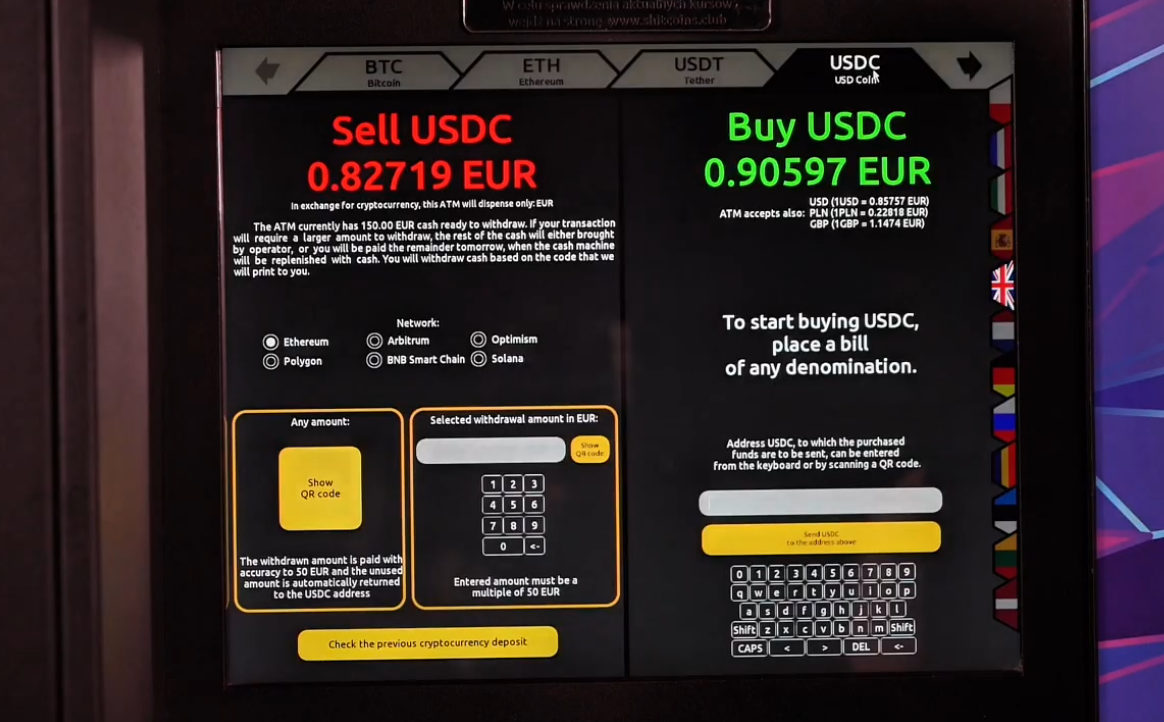
If you want to buy Bitcoin, select BTC and make sure that the receiving address in your wallet supports the network specified by Bitcoin ATM. For other cryptocurrencies, also check network compatibility on your device and in your wallet. The exchange rate displayed before confirmation includes the fees specified by the operator. Review the summary: the most important thing is the amount of cryptocurrency you’ll receive for the amount you’ve paid.
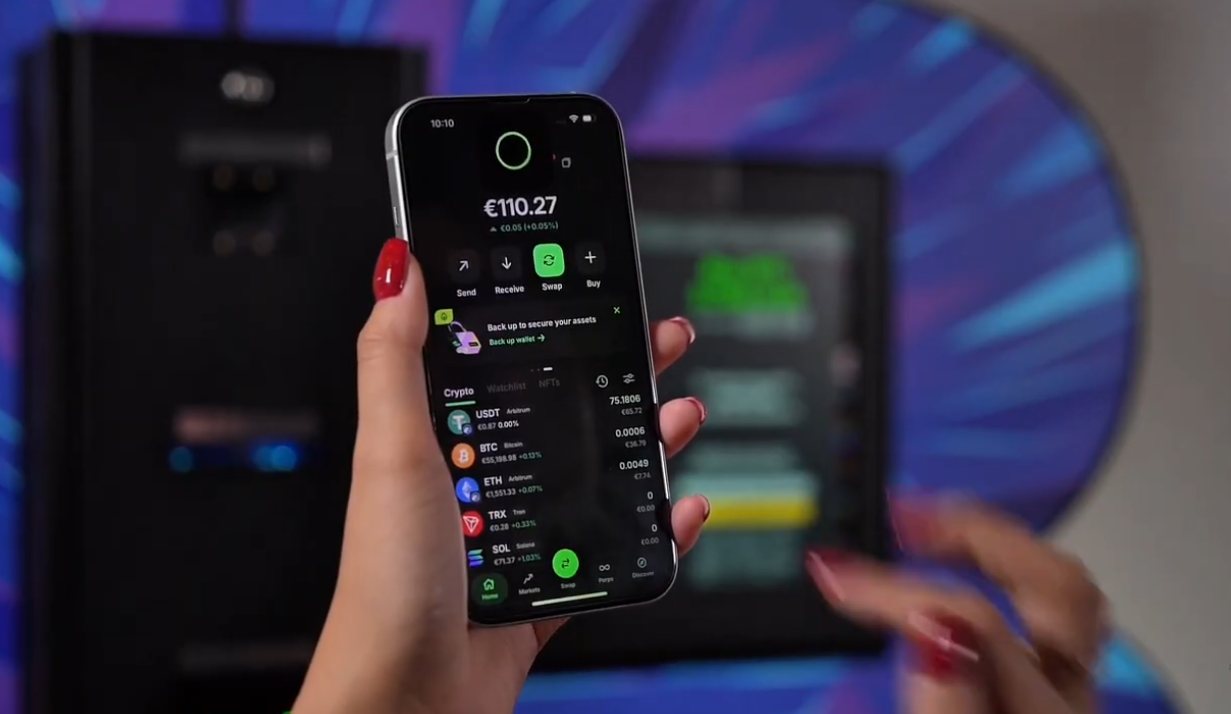
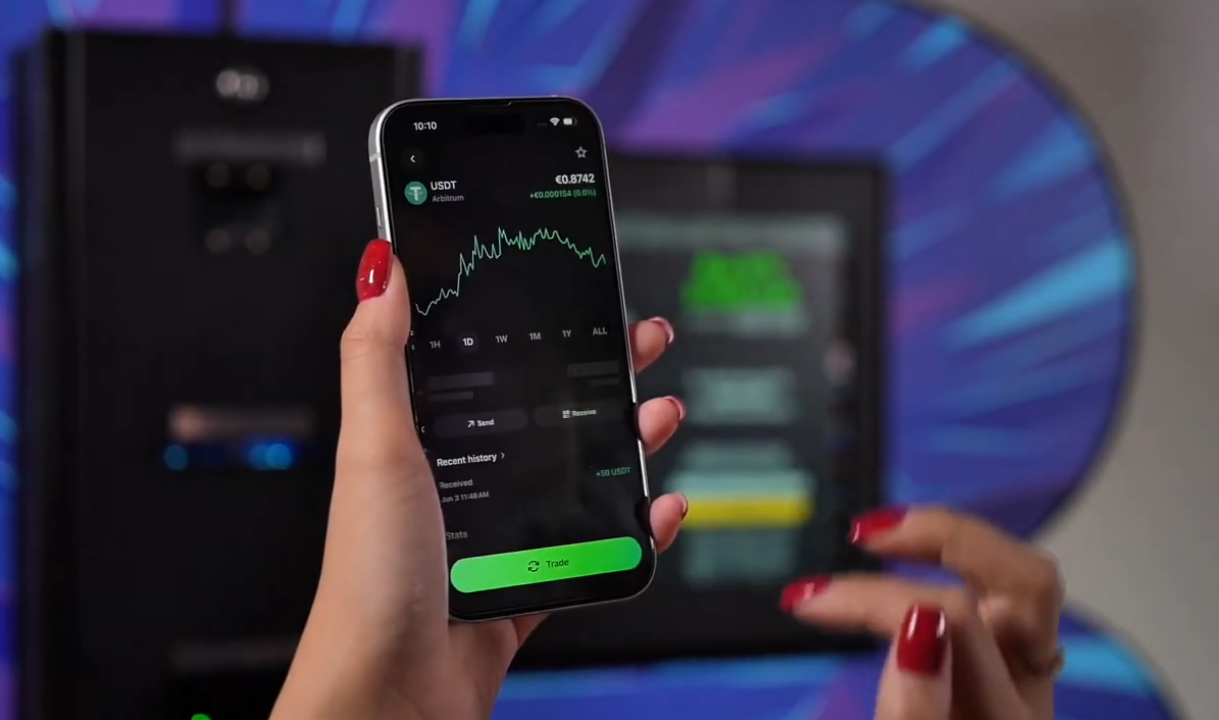
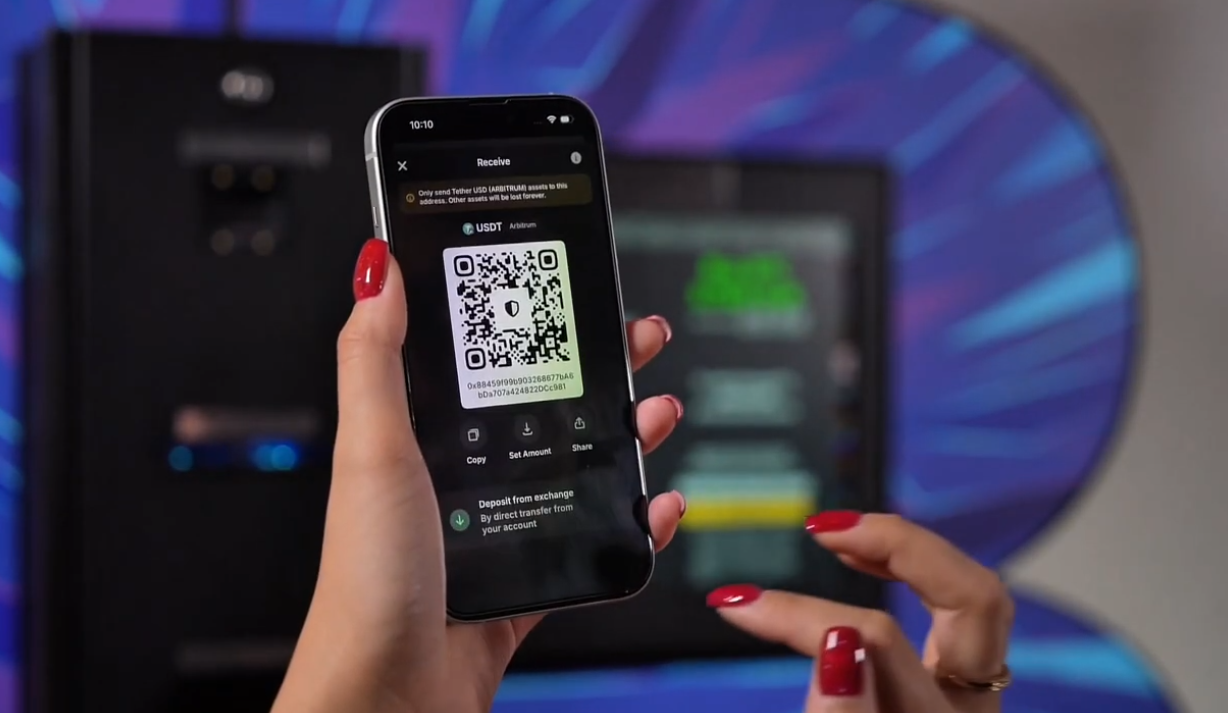
Open your cryptocurrency wallet, select Bitcoin, and choose the “Receive” option. The screen will display the receiving address and its QR code. You must show this code to the Bitomat scanner. Use your own wallet, to which you have access. You’ll need the receiving address to make a purchase—not your private key or wallet recovery phrase.
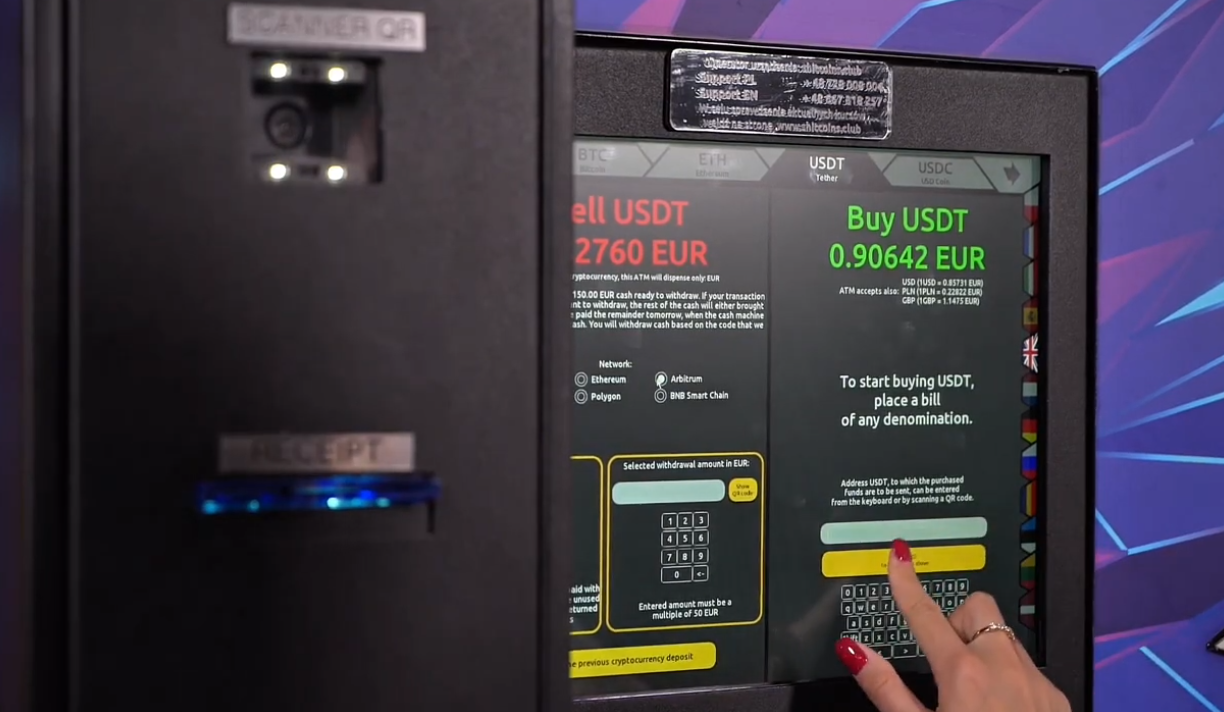
Tap the right side of the screen, as shown in the illustration, to begin purchasing cryptocurrency with cash. Make sure to select “Buy,” and then follow the on-screen prompts. Read the transaction terms displayed before proceeding. The button layout may vary depending on the interface version, so be sure to also follow the on-screen instructions.
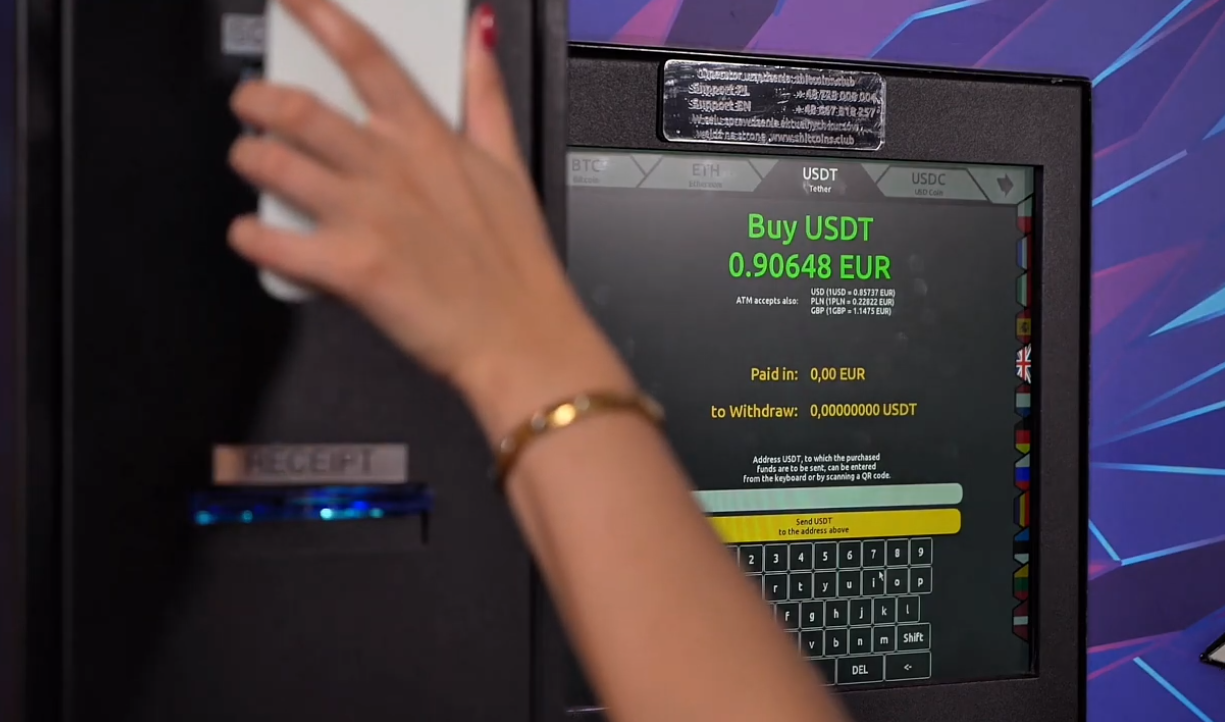
Hold your phone's screen with the QR code up to the scanner shown in the illustration. Keep your phone still until Bitcoin ATM it reads the address. If the code isn’t recognized, increase the screen brightness and adjust your distance from the scanner. Once it’s read, compare the address displayed by the device with the address in your wallet. Do not proceed if the addresses differ.
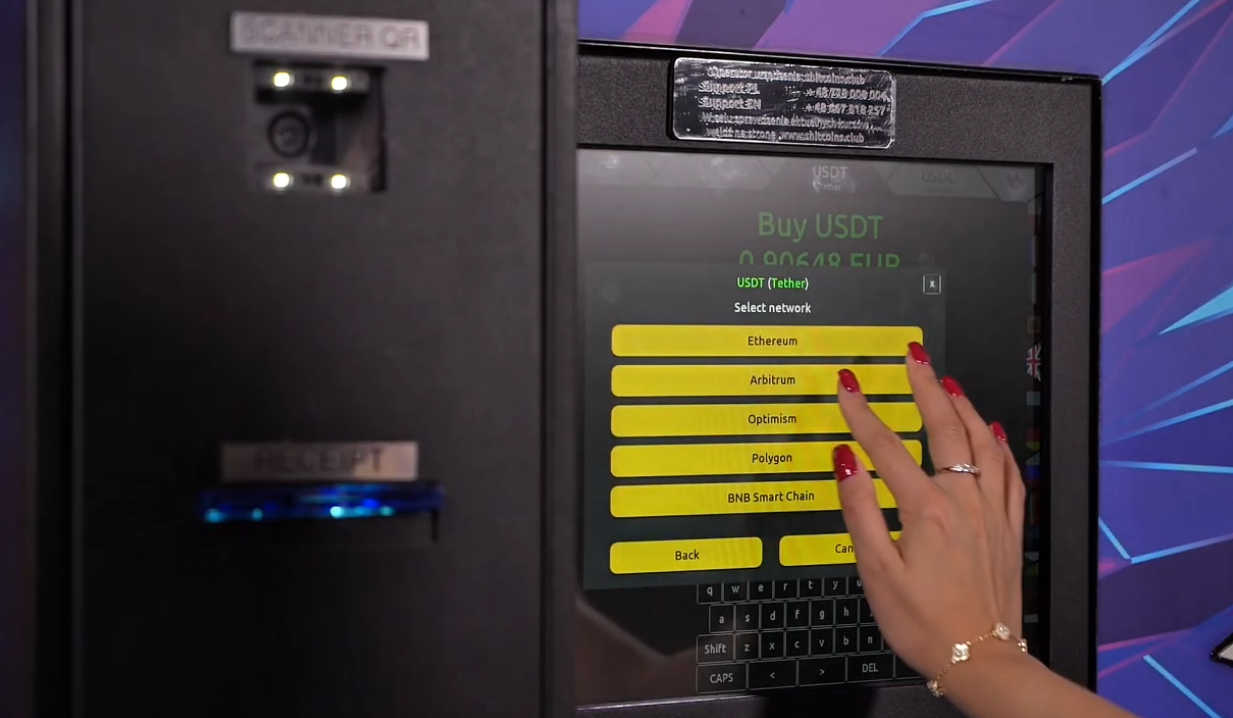
Check the screen to verify the selected cryptocurrency, network, and recipient address. All details must match the information in your wallet. Then confirm your selection as instructed by the Bitomat. Careful verification at this stage helps prevent you from sending funds to the wrong address or to an unsupported network. Blockchain transactions are irreversible, so do not confirm any details you are unsure of.
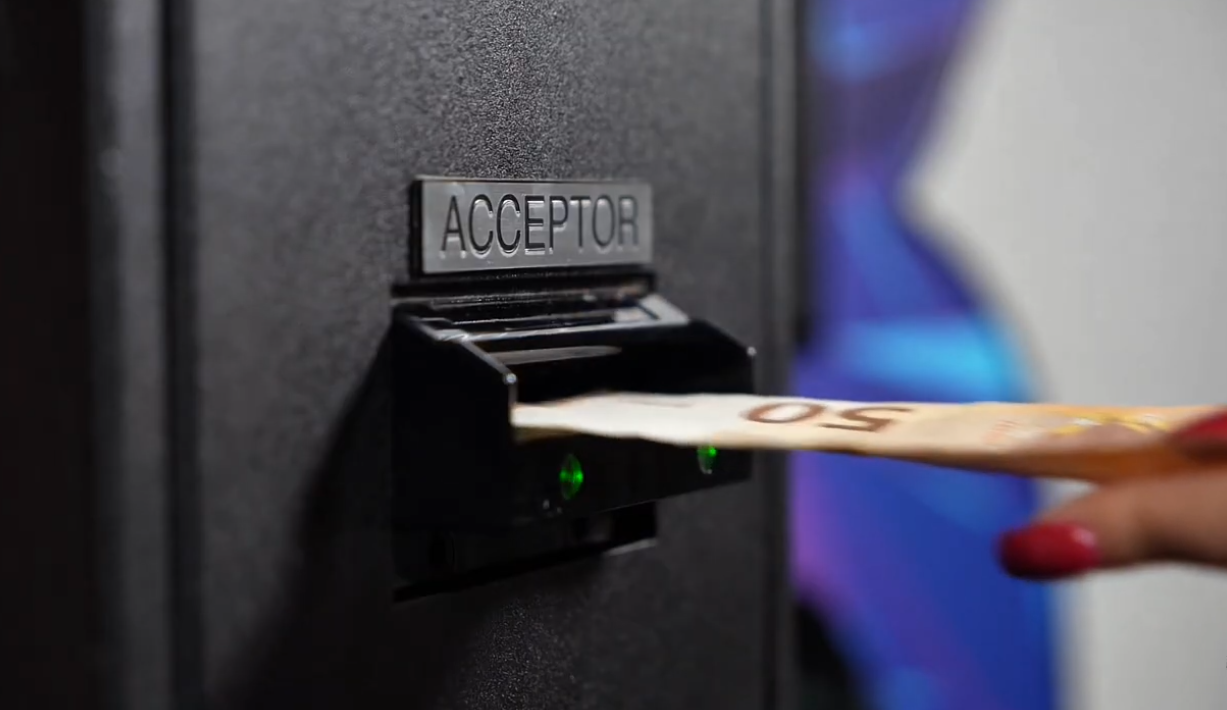
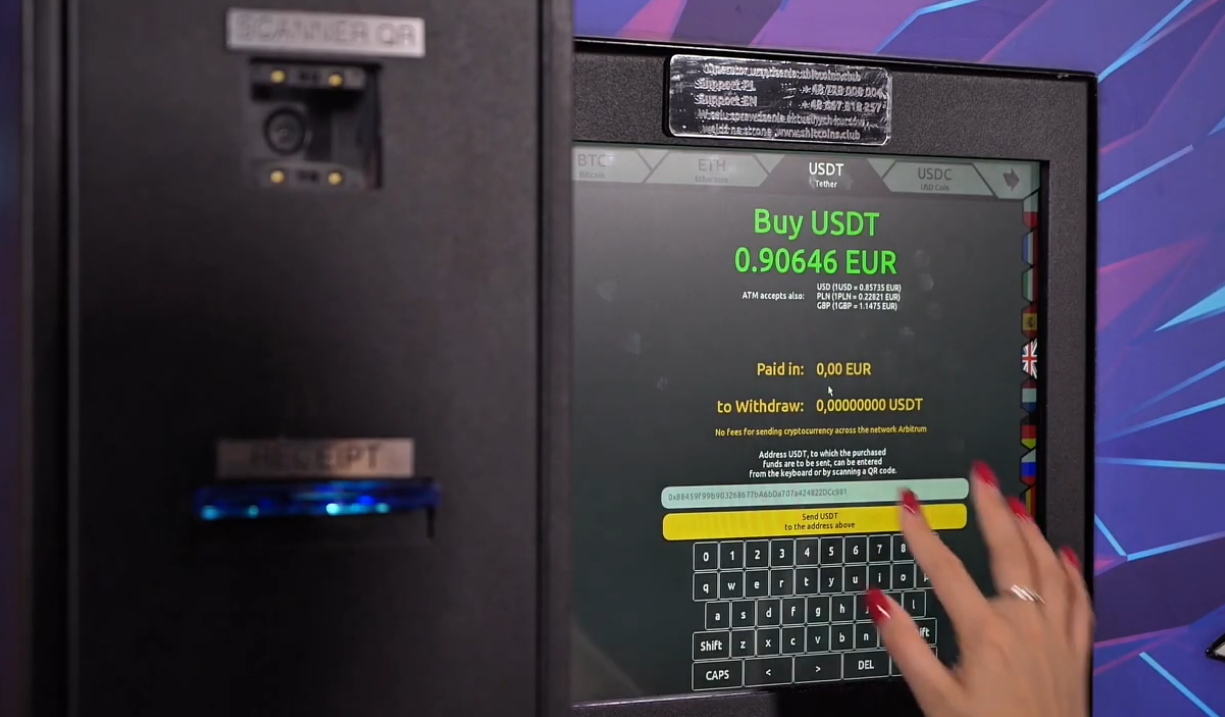
Insert the bills into the bill acceptor according to the instructions on the device. Verify that the amount recognized by Bitcoin ATM matches the cash you deposited. Before confirming, review the purchase summary: deposit amount, exchange rate, amount of cryptocurrency, and recipient address. Confirm the transaction only after verifying this information, and follow the on-screen instructions. If the device reports a problem, contact customer service.
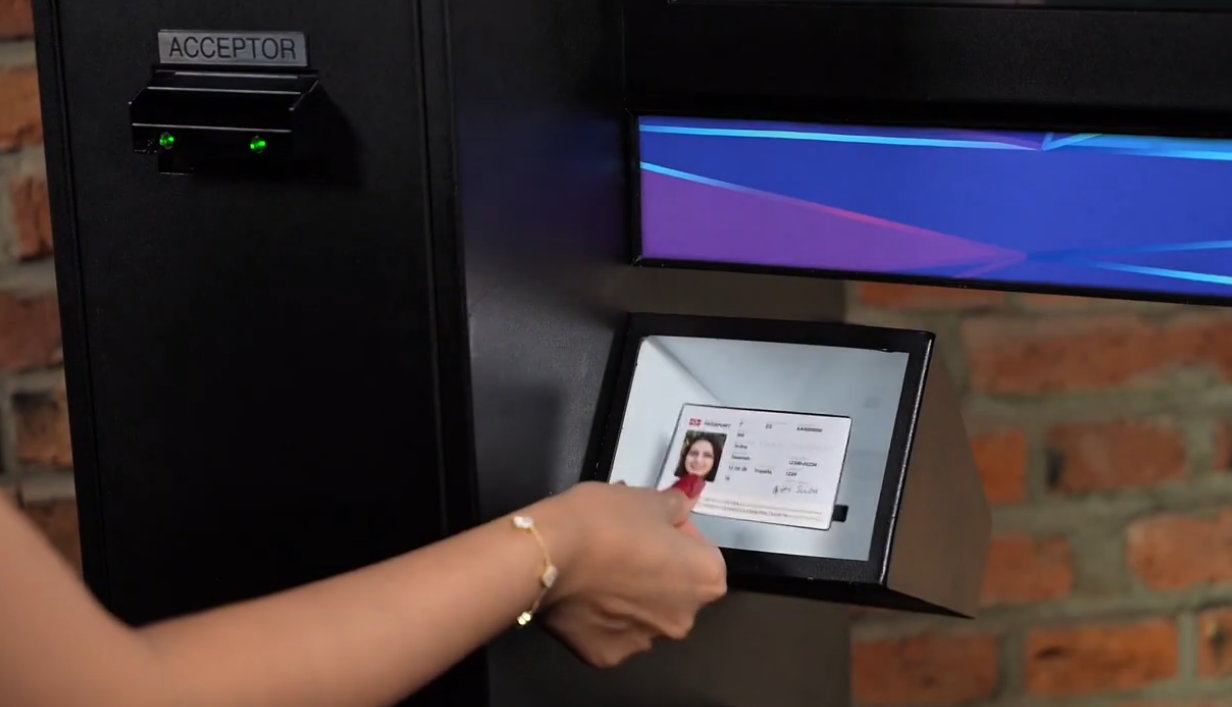
Purchases made through the Bitcoin ATMs available on rothbard.eu require identity verification in accordance with AML (anti-money laundering) procedures. Have a valid ID ready and follow the on-screen instructions. Place the entire document flat on the scanner and keep it still until the scan is complete. Do not turn the page until the device prompts you to do so. If a verification request appears earlier, complete it at the time indicated by Bitcoin ATM.
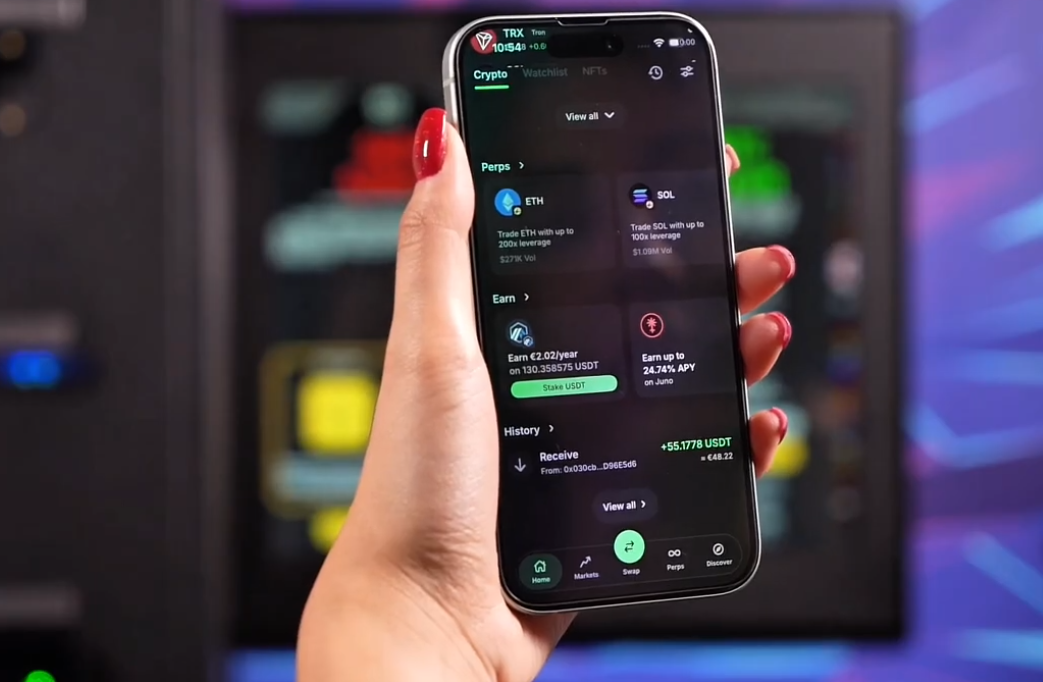
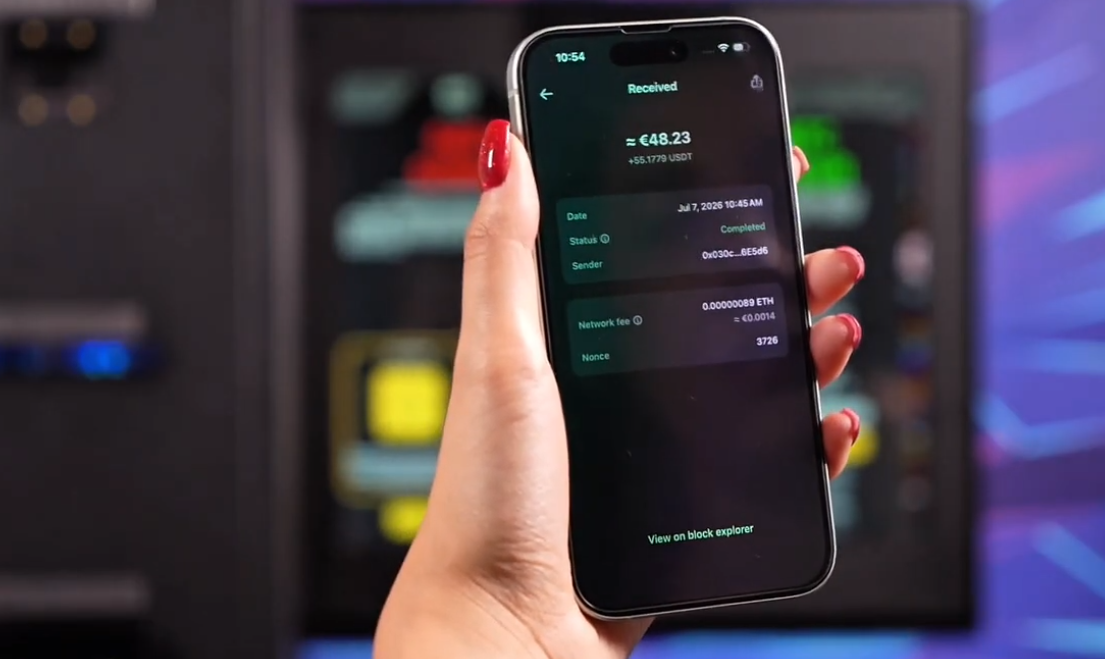
Once the transaction is complete, open your wallet and check your transaction history. The time it takes for funds to appear and for the transfer to be confirmed depends on network congestion and the network fee. Do not consider one hour to be a guaranteed timeframe: confirmation may take longer. A transaction that appears as “pending” is not yet fully confirmed. If the wait is prolonged, check the status and contact customer service.
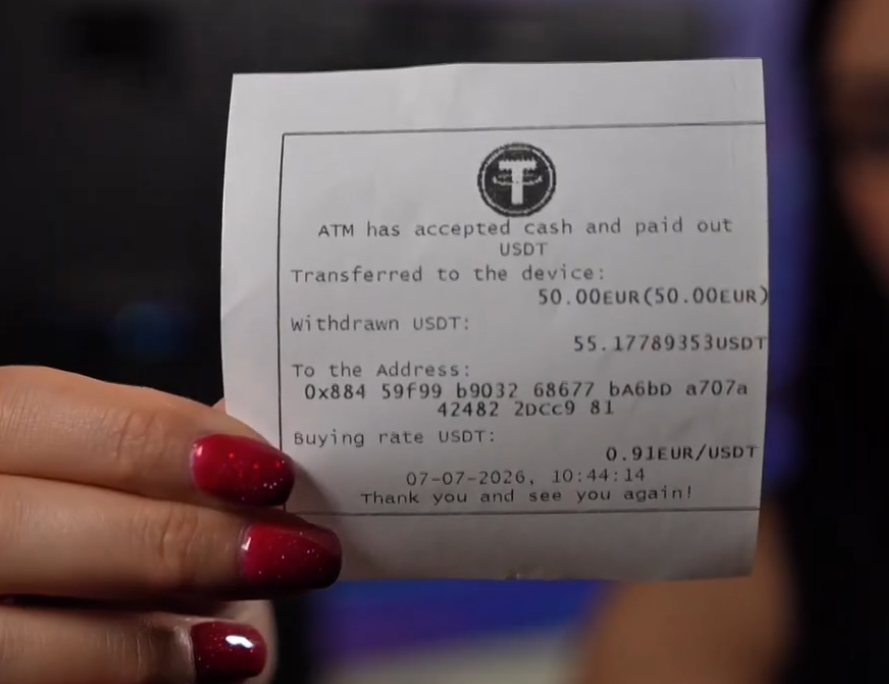
Pick up the printed receipt from the Bitcoin ATM and keep it until you’ve verified the transaction in your wallet. The information on it can help you check the status or contact customer support. If you need assistance, please have your transaction ID, date, amount, and the location of the machine ready. You can find contact information at rothbard.eu. Once you have received the funds and the required confirmations, your Bitcoin purchase with cash is complete.
Check out how to buy Bitcoin with cash at a Bitcoin ATM in Switzerland.
Rothbard.eu is developing the Bitcoin ATM aggregation platform in Switzerland, allowing users to find locations where they can buy and sell BTC and other cryptocurrencies for cash. The kiosks are available in Zurich, Geneva, Basel, Lausanne, Lucerne, Lugano, and Mendrisio, among other locations, and their current status and availability of funds can be checked online on the website’s map.
This material is for informational purposes only. It does not constitute investment, tax, or legal advice.